Quick answers below cover setup, charging, pod capacity, e-liquid choice and routine care.
What is the OXVA Xlim Pro 3 pod kit?
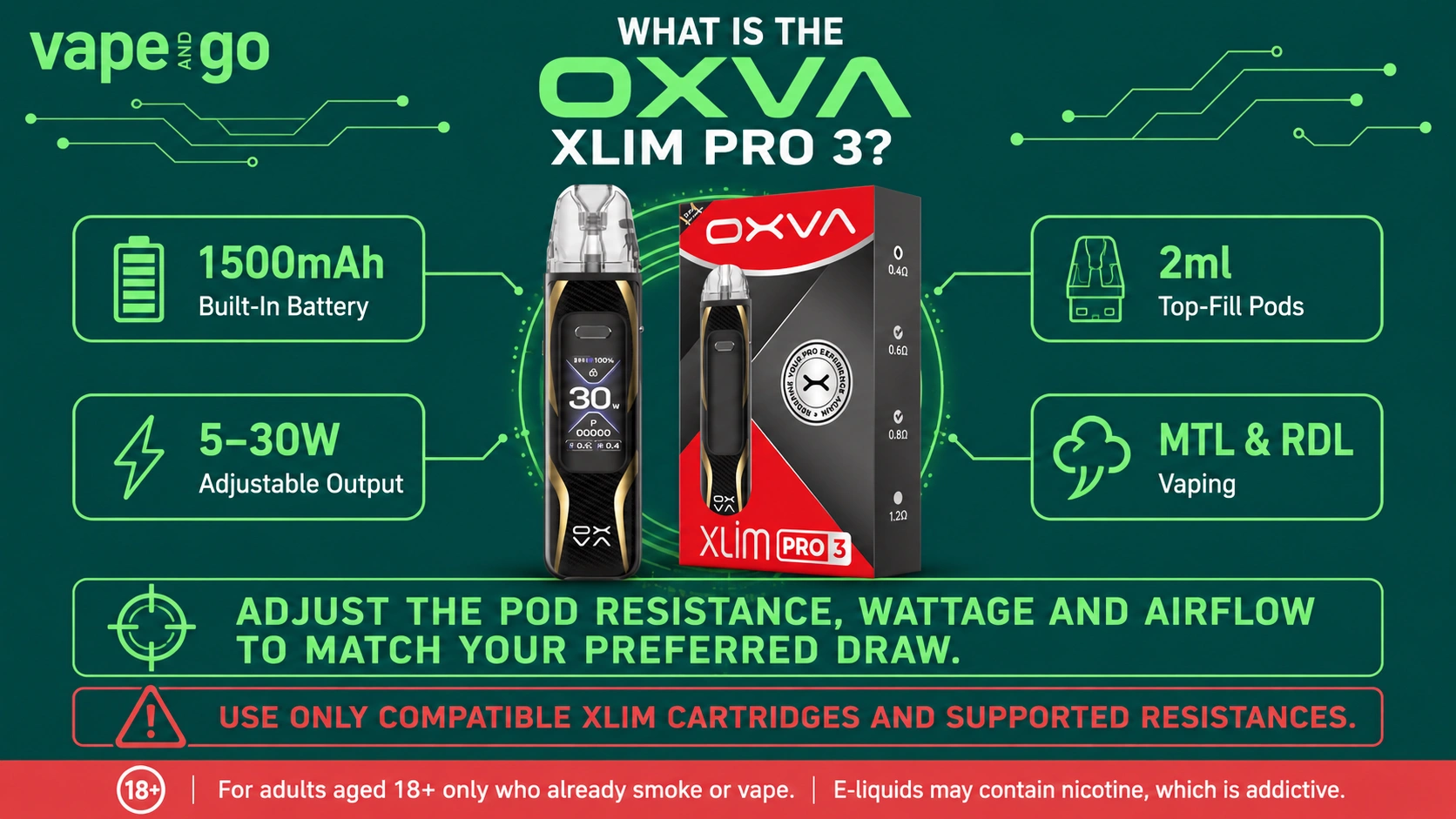
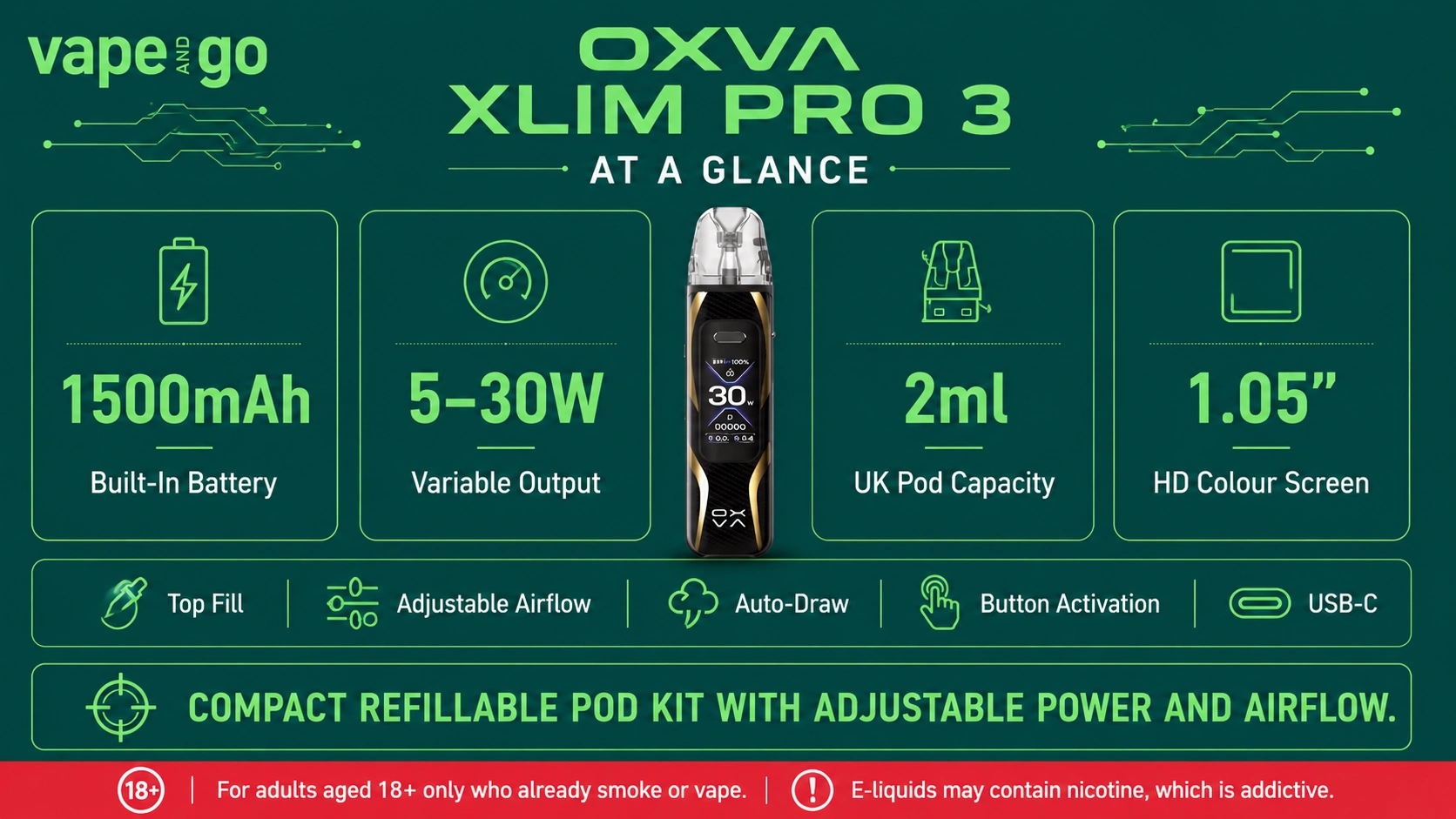
It is a refillable pod device with a 1500mAh built-in battery, 5-30W output, adjustable airflow and XLIM cartridge compatibility. The UK TPD package uses 2ml cartridges.
Which pods are compatible with the OXVA Xlim Pro 3 vape kit?
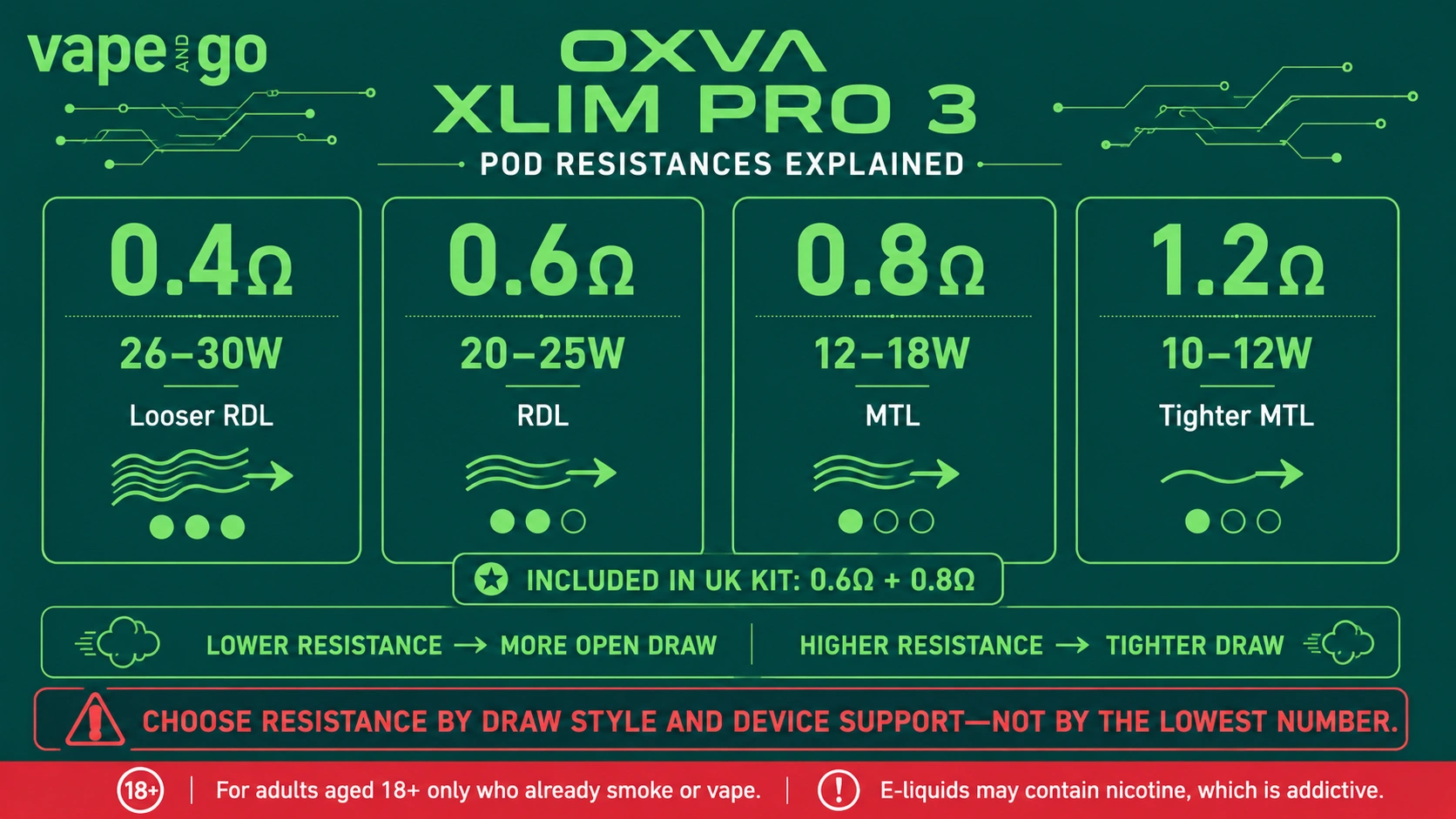
The device supports XLIM top-fill cartridges across 0.4Ω, 0.6Ω, 0.8Ω and 1.2Ω. Vape and Go also lists V3 and EZ replacement pod ranges for this device.
How do I set up the OXVA Xlim Pro 3 vape kit?
Fill the cartridge through its top-fill port, close it securely, allow a fresh wick time to absorb e-liquid, insert the pod and then adjust airflow and wattage for the resistance fitted.
What colours does the OXVA Xlim Pro 3 come in?
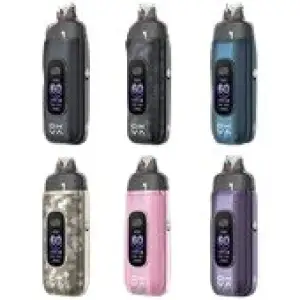
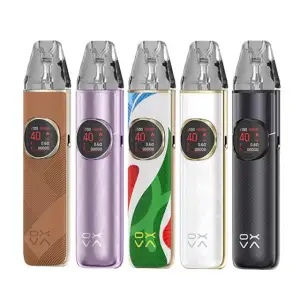
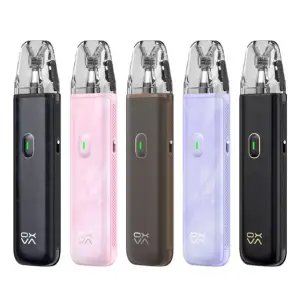
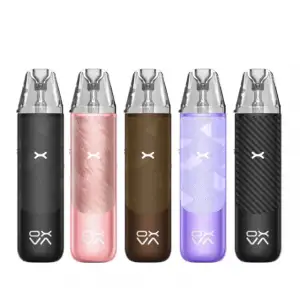
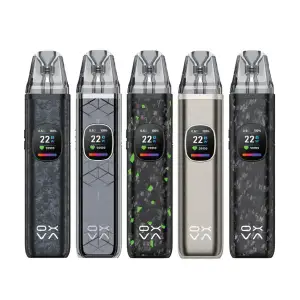
The live product selector shows 15 finishes, including carbon, leather, ceramic, forged and silk options. The complete current colour list appears in the colour section above.
What comes in the OXVA Xlim Pro 3 box?
The TPD package includes the device, 0.6Ω and 0.8Ω 2ml cartridges, a Type-C cable, user manual, use suggestion card and button operation instructions.
Is the OXVA Xlim Pro 3 kit suitable for MTL or RDL vaping?
Yes. The cartridge range supports both MTL and RDL vaping. The included 0.8Ω pod is better aligned with a tighter MTL draw, while the 0.6Ω pod supports a more open RDL draw. Adjustable airflow lets you fine-tune either setup.
What wattage should I use with OXVA Xlim Pro 3 pods?
The compatible range covers 0.4Ω, 0.6Ω, 0.8Ω and 1.2Ω cartridges. The target page lists 26-30W for 0.4Ω, 20-25W for 0.6Ω, 12-18W for 0.8Ω and 10-12W for 1.2Ω.
How do I refill the OXVA Xlim Pro 3 pod kit?
Open the cartridge's top-fill port, add compatible e-liquid and close it securely. If the pod is new, give the wick several minutes to absorb the liquid before first use.
How do I change wattage on the OXVA Xlim Pro 3?
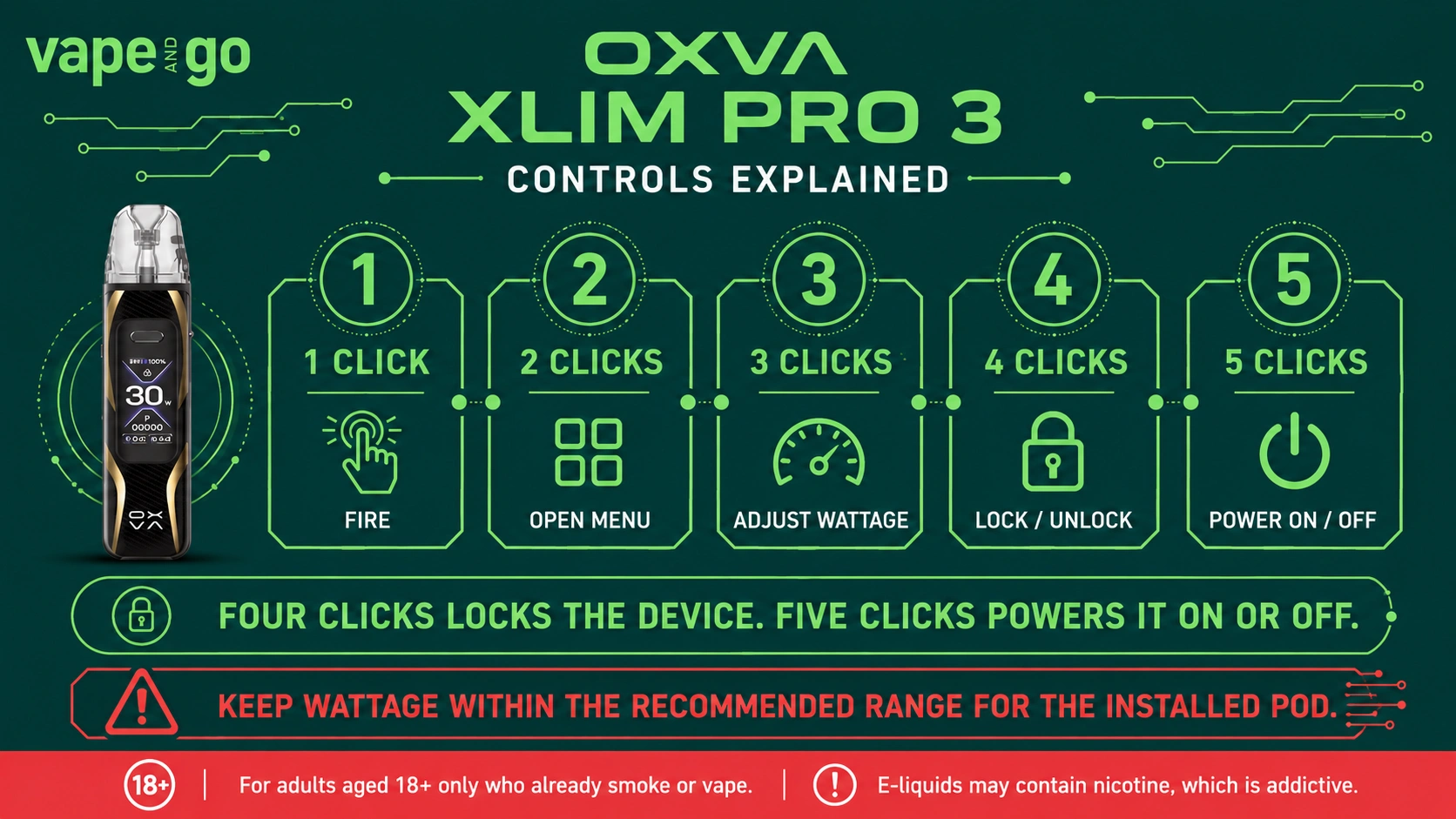
Press the device button three times to enter wattage adjustment. Set the output within a suitable range for the cartridge resistance you are using.
How do I lock the OXVA Xlim Pro 3?
Press the button four times to lock or unlock the device. Five clicks are used for powering the device on or off, so the two controls are separate.
Does the OXVA Xlim Pro 3 have auto-draw?
Yes. The device supports both auto-draw and button activation, so you can inhale to activate it or use the fire button.
How fast does the OXVA Xlim Pro 3 charge?
OXVA specifies 5V/2A Type-C charging and states that the 1500mAh battery can reach around 80% charge in 30 minutes.
How long does the OXVA Xlim Pro 3 battery last?
Battery duration varies with wattage, puff length and frequency of use. The device has a 1500mAh built-in battery, but a fixed number of hours or days would not be meaningful for every user.
Does the UK OXVA Xlim Pro 3 use a 2ml or 3ml pod?
The UK TPD package uses 2ml cartridges. OXVA also produces a 3ml version for other markets, which is why both capacities can appear in product information online.
What e-liquid can I use with the OXVA Xlim Pro 3?
OXVA lists both nic salt and freebase e-liquid as compatible with the XLIM cartridge range. Choose an e-liquid that suits your cartridge and your own nicotine requirements rather than assuming one strength is appropriate for everyone.
Is the OXVA Xlim Pro 3 battery replaceable?
No. The device uses an integrated 1500mAh built-in battery and is recharged through its Type-C port.
How do I clean the OXVA Xlim Pro 3 pod kit?
Remove the cartridge and wipe away visible condensation or e-liquid around the pod connection with a dry tissue or cloth. Keep the device connection clean and dry before reinserting the pod.



 Royal mail - Order in
 DPD - Order in